The new RCNi Learning for your organisation
The new RCNi Learning has launched with a fresh look and improved features to help make CPD and revalidation as easy as possible for nurses.
The new version of RCNi Learning gives organisations the ability to allocate mandatory learning to their staff out of our cohort of over 170 learning modules covering 40 specialties. This appears as 'assigned' learning when users log in. Organisations can also add a logo and mission statement to personalise the learning experience for their staff.
To set up assigned learning and add your logo to personalise RCNi Learning for your organisation, contact your RCNi customer experience manager. Find out more abot RCNi Learning at rcnilearning.com
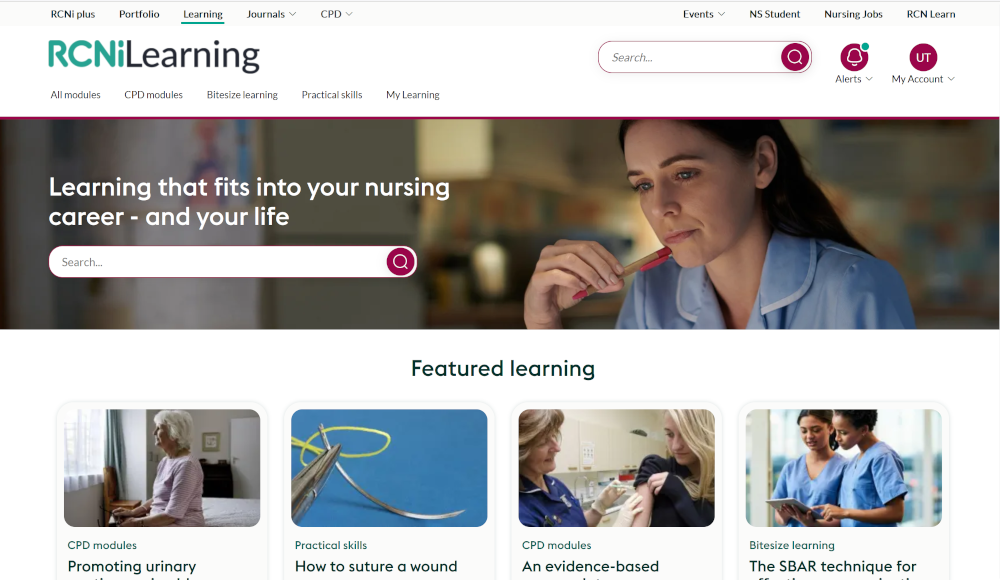
Here's what will be new on RCNi Learning
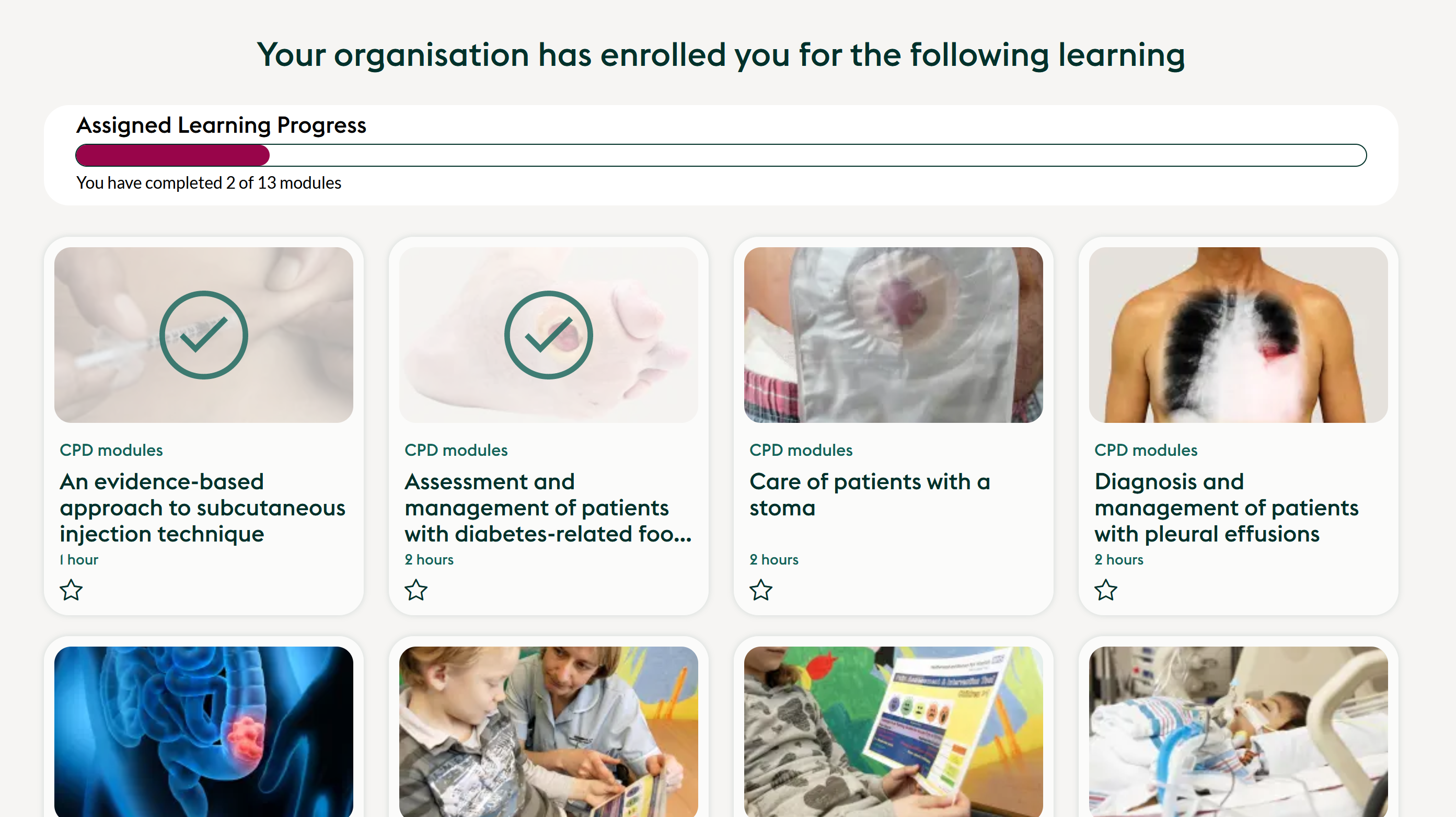
Assigned learning
You can now assign your users mandatory learning - learning modules you specifically want them to do. These appear on the homepage when they log in, and on their My Learning dashboard.
My Learning
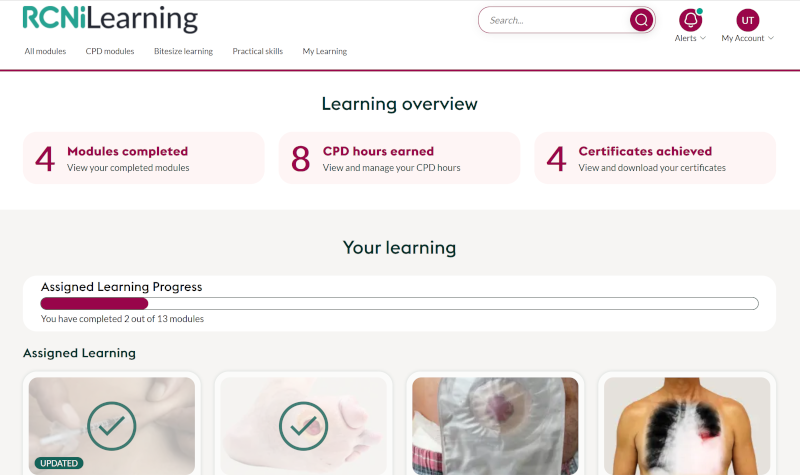
My Learning is the personalised learning dashboard and the area users will return to most.
Here they can find assigned learning, track CPD hours gained, manage CPD certificates, and save learning into an RCNi Portfolio.
All our learning modules can be stopped, saved and returned to at any point so that learning fits around shifts and a busy schedule. Modules in progress can be found in My Learning, along with the modules that are favourited.
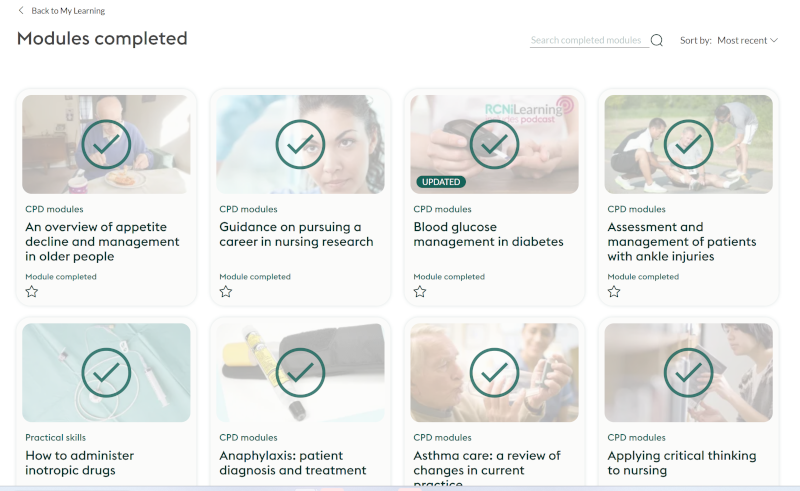
Modules completed
Users can see the modules they have completed by clicking on 'modules completed' in My Learning. We have also added a search in case they need to find a particular module among their learning.
Add CPD hours and certificates straight into an RCNi Portfolio
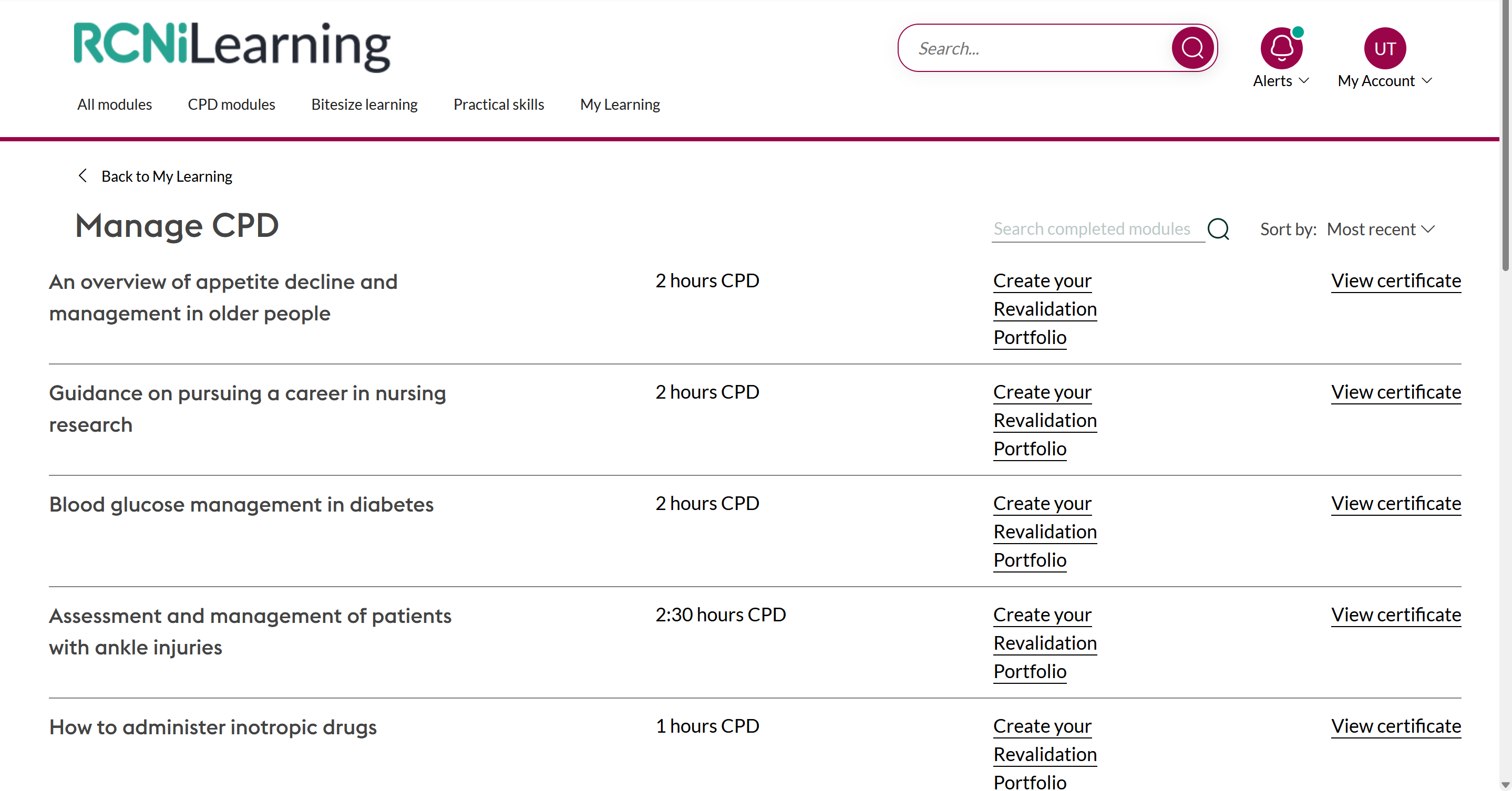
We have made it easier to add learning and CPD hours straight into an RCNi Portfolio.
By clicking on the 'CPD hours earned' button in 'My Learning' users can add reflective accounts, CPD hours and certificates directly into an RCNi Portfolio.
Certificate management
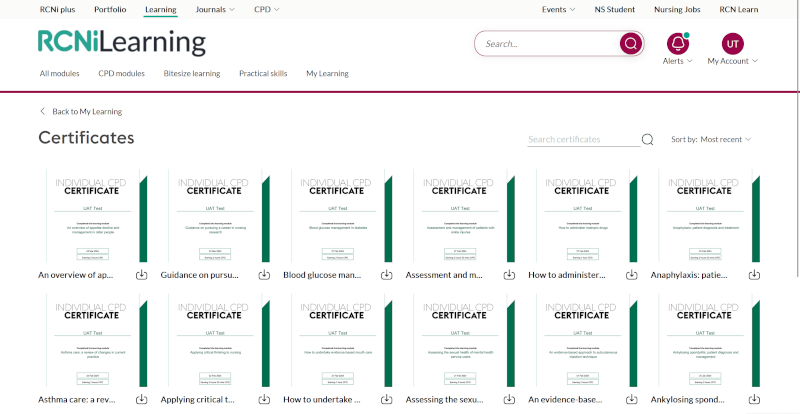
It is now even easier to manage, save and download certificates.
The 'certificates achieved' button at the top of My Learning shows all of your CPD certificates which can be downloaded and saved for revalidation.
Alerts
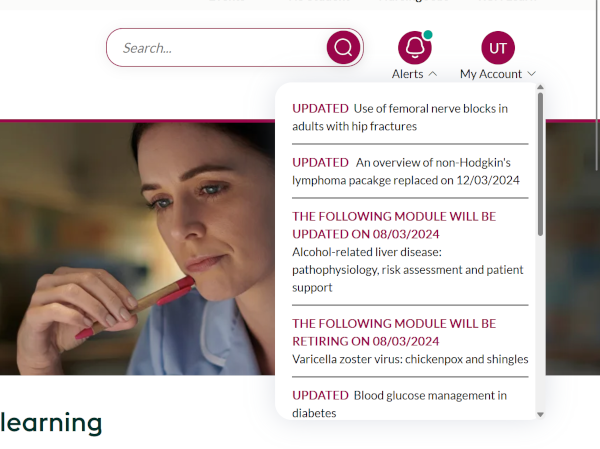
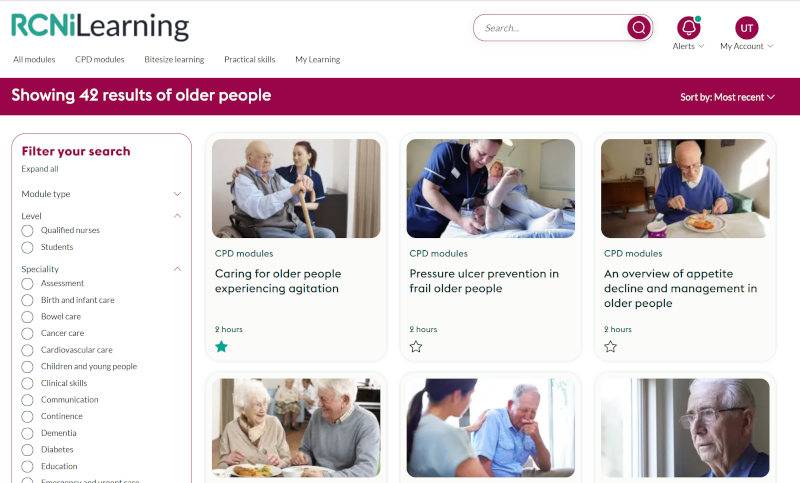
We have added 'Alerts' so users know which modules are new, updated or retiring. The green dot on the bell icon indicates that there are new alerts waiting to be read; simply click on the bell to open the list.
Improved search filters
A new search filter helps user sort their search results by module type, level, specialty, or by acute and community care.
As they search, users can also favourite the modules they want to save for later by clicking on the star icon on the module tile.
Favourited modules can be found in My Learning.
Learning module descriptions
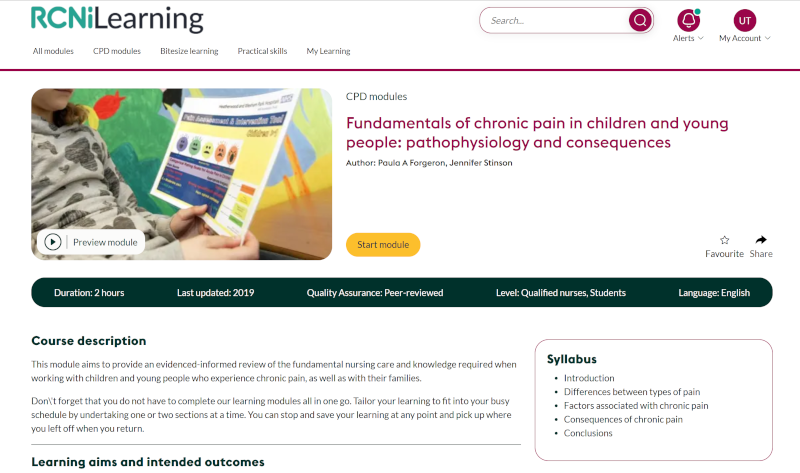
It's now easier to see and hear exactly what each learning modules contains before it is started.
We have introduced video previews to tell users about the module, and included the course syllabus and learning aims and intended outcomes so they can see what they will learn before starting it.